AI video generation has become more powerful, but many creators still face the same problem:
the video looks impressive, but it does not fully follow their direction.
The character may drift
The camera may change direction
The product may lose its shape
The lighting may look different from one moment to the next
For creators, this lack of control is often the biggest barrier between an exciting AI experiment and a usable final asset.
That is why Ray 3.2 matters. Instead of treating AI video as a random generation process, Ray 3.2 is designed around precise control, source-video consistency, frame-level direction, and cinematic output quality.
It helps creators move from simply writing prompts to actually directing the shot.
What Makes Ray 3.2 Different?
Ray 3.2 is built for controlled video editing, lets creators transform existing footage.
Ray 3.2 still supports basic AI video workflows such as text-to-video, image-to-video, and Reframe, but its most important strength is Modify Video, also known as Video Edit or video-to-video transformation.
With Ray 3.2 Modify Video, creators can start with a source clip and then change the visual result while keeping the parts that matter most. This makes Ray 3.2 different from basic AI video tools in several important ways:
It preserves real motion instead of asking AI to invent movement from text alone.
It keeps scene structure more stable, which is useful for product shots, character scenes, and brand videos.
It supports character and performance control, helping creators retain poses, gestures, facial emotion, and body movement.
It makes editing more repeatable, because one source clip can become multiple visual versions.
It gives creators more directing power, especially when combined with prompts, keyframes, Motion, Structure, and Character controls.
Modify Video is the core feature of Ray 3.2.
It changes the AI video workflow from “generate something new and hope it works” to “use an existing shot and direct exactly how it should change.”
What Can You Create with Ray 3.2?
Ray 3.2 helps creators turn one simple source clip into various controlled AI videos.
Motion Transfer: Recreate Dynamic Movement
Motion transfer is one of the clearest examples of how Ray 3.2 turns AI video into a directing tool.
For example, a creator can start with an energetic dance clip, preserve the original rhythm and body movement, then replace the dancer, change the costume, or move the performance into a completely different background.
This type of workflow is especially useful for:
Dance and performance videos
Music visuals
Short-form social content
Style testing for creators and brands
Motion-based character experiments
Instead of asking AI to invent movement from text alone, creators can use real performance as the base and let Ray 3.2 redesign the final scene.
Character Replacement: Freely Swap Visual Identities Across Different Styles
Ray 3.2 allows creators to transform one performer into many different visual identities while keeping the original performance more coherent.
This is powerful because it separates performance from appearance. The gesture, timing, and pose come from the source video, while the character design can be changed freely.
Character replacement is especially useful for:
Cinematic short scenes
Fan-style edits
Game and anime-inspired videos
Concept trailers
Creator branding and avatar content
For creators, this means one performance can support many visual versions without needing to reshoot each idea.
Environment Change: Completely Rebuild the Scene
Ray 3.2 can take a simple source clip and place the same subject into a new world, while making the transition feel more naturally integrated.
The value here is not just replacing the background. It is making the new environment feel connected to the original clips.
Environment change works well for:
AI short films
Commercial video variations
Travel-style and fashion content
Fantasy and sci-fi storytelling
Social media transformations
Localized ad campaigns
For marketers and filmmakers, this means one source clip can support many different visual contexts, making content production more flexible and efficient.
Realistic VFX: Turn Fun Ideas into Cinematic, Believable Effects
Ray 3.2 is also valuable for realistic VFX-style creation, especially when creators want to bring imaginative ideas into video without a full traditional effects pipeline.
This makes Ray 3.2 a strong tool for:
Creative social content
VFX-inspired short videos
Fantasy or sci-fi concept shots
Stylized creator experiments
Fun personal idea testing
Ray 3.2 makes it easier to turn playful, imaginative concepts into videos that feel more polished and cinematic.
Core Logic of Controlled AI Video
Ray 3.2 makes AI video more controllable by separating a source clip into key creative layers:
Motion, Structure and Characters.
Motion controls movement. Use stronger Motion when you want to preserve dance steps, walking rhythm, camera movement, sports action, or product rotation.
Structure controls layout and shape. Use stronger Structure when the frame, product position, body outline, or scene composition must stay stable.
Characters control performance and identity. Use Character controls when you want to keep facial expressions, body poses, gestures, or acting details while changing the visual style.
The key idea is simple: Ray 3.2 lets creators protect what matters and redesign what needs to change.
Why Should You Start with a Source Video?
A source video gives Ray 3.2 a stable foundation.
Instead of asking AI to invent everything from text, Ray 3.2 can use an existing clip as the creative base.
The source video provides:
the real action rhythm
camera angle
subject position
performance details
This helps reduce random movement, unstable framing, and inconsistent results.
How Do Keyframes Create Frame-level Control?
Keyframes act as visual anchors that guide important moments in the video.
A prompt can describe the overall direction, but keyframes show Ray 3.2 what specific frames should look like. This is especially useful when the beginning, middle, or final reveal must stay visually consistent.
Use Frame-level Control when you need to guide:
Character transformation
Product shape and branding
Before-and-after changes
Music video beats
Final scene reveals
Storyboard-style shots
Keyframes help Ray 3.2 connect important visual moments more smoothly, making the result feel more planned and less random.
How Should You Write Prompts for Ray 3.2?
Ray 3.2 prompts should describe the target end state, not every action in the video.
Because the source video already provides motion, timing, and camera behavior, your prompt should focus on the final visual result.
Describe the style, material, lighting, environment, character look, and what must be preserved.
A useful prompt formula is:
Transform [subject] into [target look], with [style / lighting / environment]. Preserve [motion / structure / camera / expression / product position].
Example:
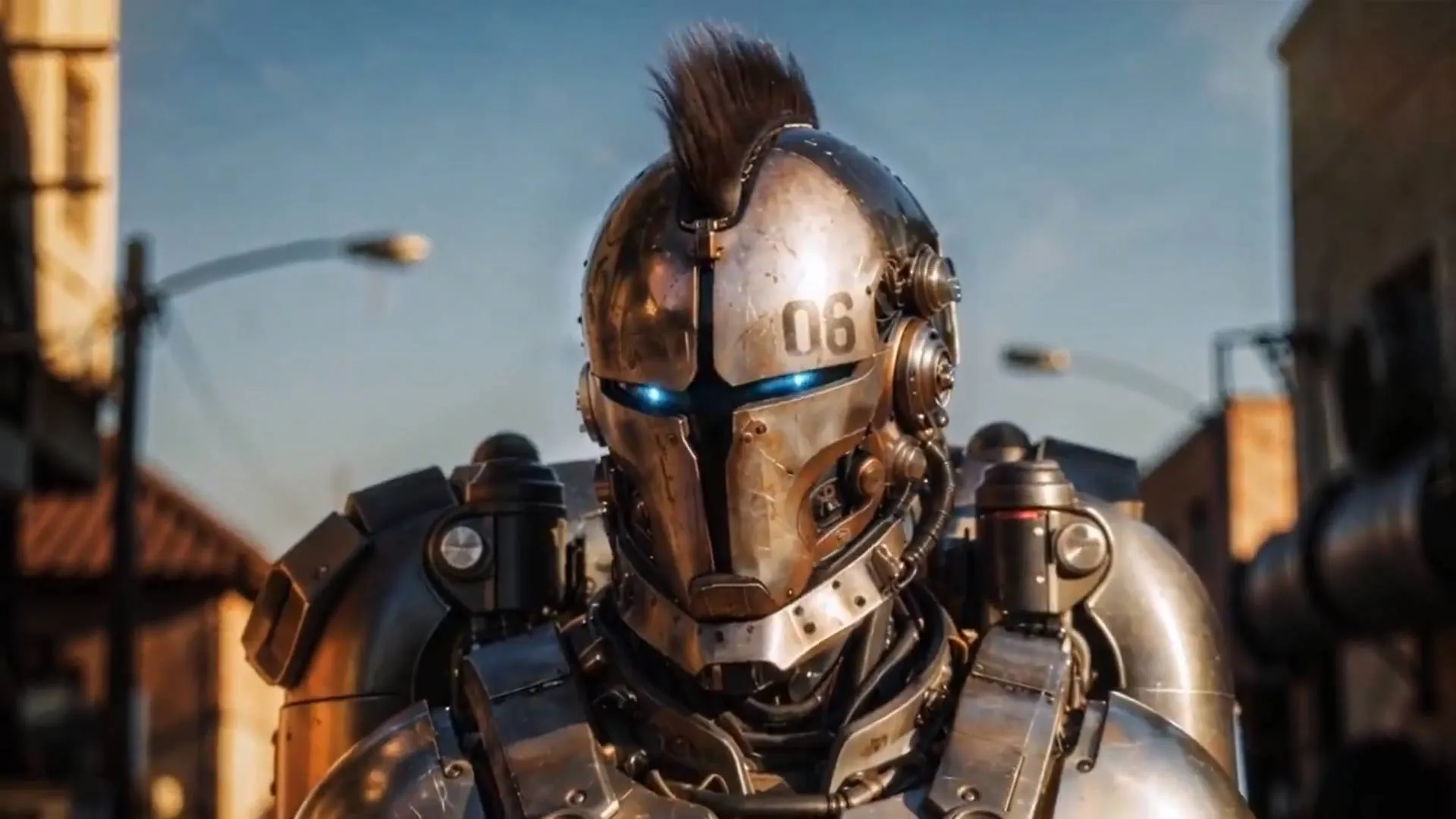
Transform the performer into a futuristic armored dancer on a neon stage, with cinematic blue lighting and realistic fabric details. Preserve the original dance motion, body rhythm, camera angle, and facial expression.
This makes the prompt work more like a director’s note: clear, visual, and focused on the final result.
How Does Ray 3.2 Improve Cinematic Video Quality?
Native 1080p: Sharper Details for Real Use
Native 1080p helps Ray 3.2 videos look clearer and more usable in real creative projects.
For creators, this means the output is not just a rough concept preview. It can feel closer to a polished video that is ready to share, edit, or present.
HDR: Richer Light, Color, and Atmosphere
HDR improves the visual depth of Ray 3.2 videos by making light and color feel more dynamic.
This is especially useful for cinematic AI video, sci-fi scenes, luxury product ads, night environments, and VFX-style effects.
Together, native 1080p and HDR help Ray 3.2 create AI videos with stronger detail, richer lighting, and a more cinematic final look.
The future of AI video is not just about generating more clips faster. It is about giving creators more control over the result.
A filmmaker wants the shot to follow a creative vision
A marketer wants the product to stay recognizable
A social creator wants a repeatable style
A brand team wants consistent campaign assets
A VFX artist wants specific visual beats, not random surprises
Ray 3.2 helps meet these needs by changing the creative relationship between user and model.
For creators, this means fewer random generations, fewer broken shots, fewer reshoots and more usable visual results.
With Ray 3.2, AI video becomes less like asking a machine to guess your idea and more like guiding a production tool toward your exact creative vision.